 Tooter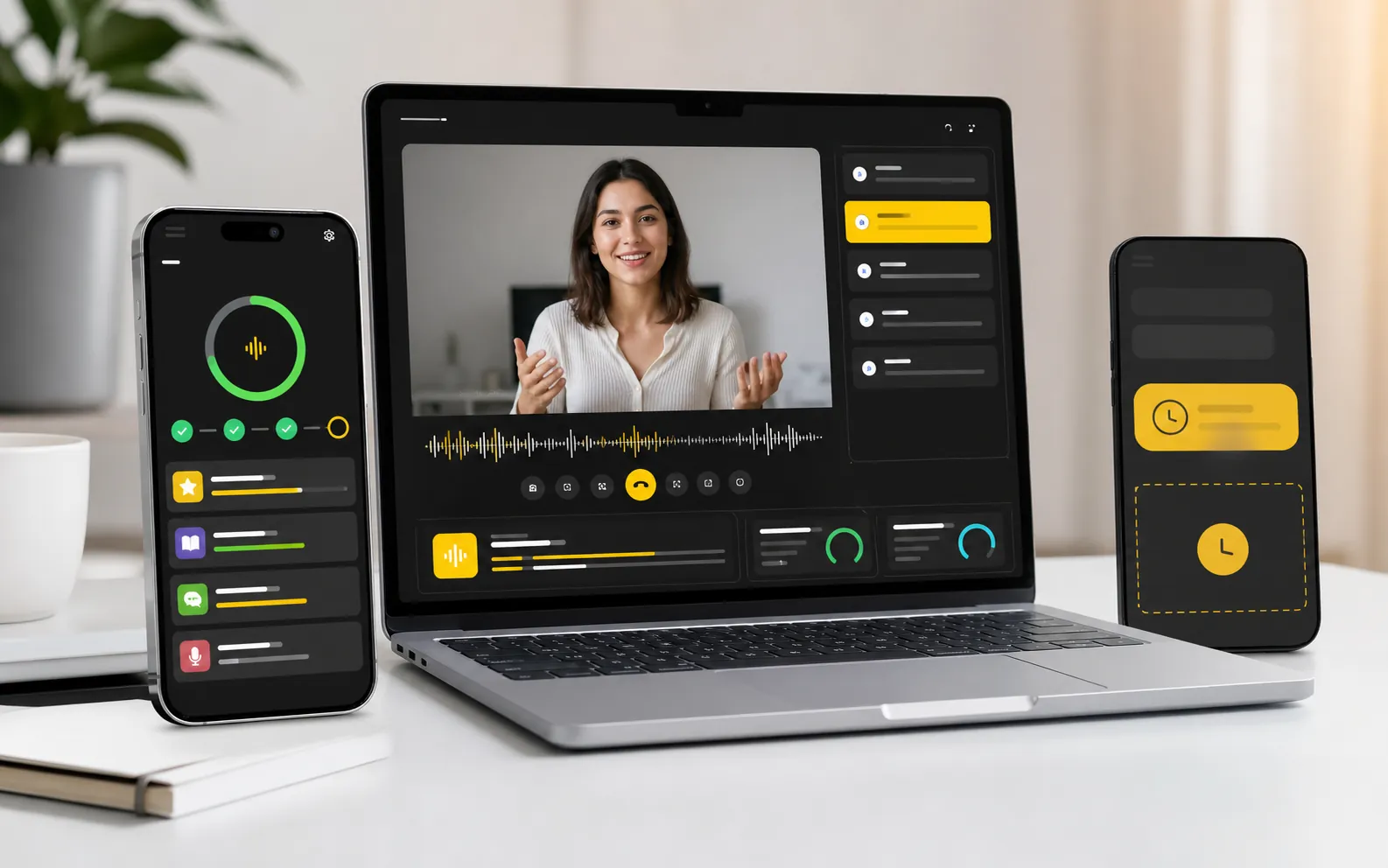
Tooter is an AI language tutor app for iPhone, with live AI tutor conversations, guided lessons, and progress review. You can subscribe to Tooter Pro in the app or on the Tooter website, then sign in with the same account to use your membership.
- Practice in the Tooter app for iPhone, available on the App Store.
- You can subscribe to Tooter Pro on the Tooter website or in the app.
- Sign in with the same Apple or Google account so your plan and membership follow you.
Where you practice
Mobile practice matters because language learning often happens in short windows. A learner may have five minutes before a meeting, while commuting, or at night before the streak disappears.
The iOS app gives learners a daily path for live sessions, tutor choices, guided lesson access, reminders, and progress review. Live speaking sessions need microphone access.
Subscribe on the website or in the app
On the Tooter website, you can answer a few questions to build a speaking plan and subscribe to Tooter Pro through a secure checkout. The purchase screen shows the price and terms before you pay.
You can also subscribe inside the iOS app. Either way, one Tooter Pro membership unlocks live AI tutor sessions and guided lessons in the app.
Use the same account to connect your plan
Sign in with Apple or Google. If you subscribed on the website, open the Tooter app and sign in with the same account you used at checkout, and your membership will be there.
Download Tooter from the App Store link on the Tooter website to make sure you get the official app. An Android app is not listed yet, so check the official website for any future Android availability.
Answer a few questions on the website to build your plan, then practice in the Tooter app on iPhone.
Build my speaking plan